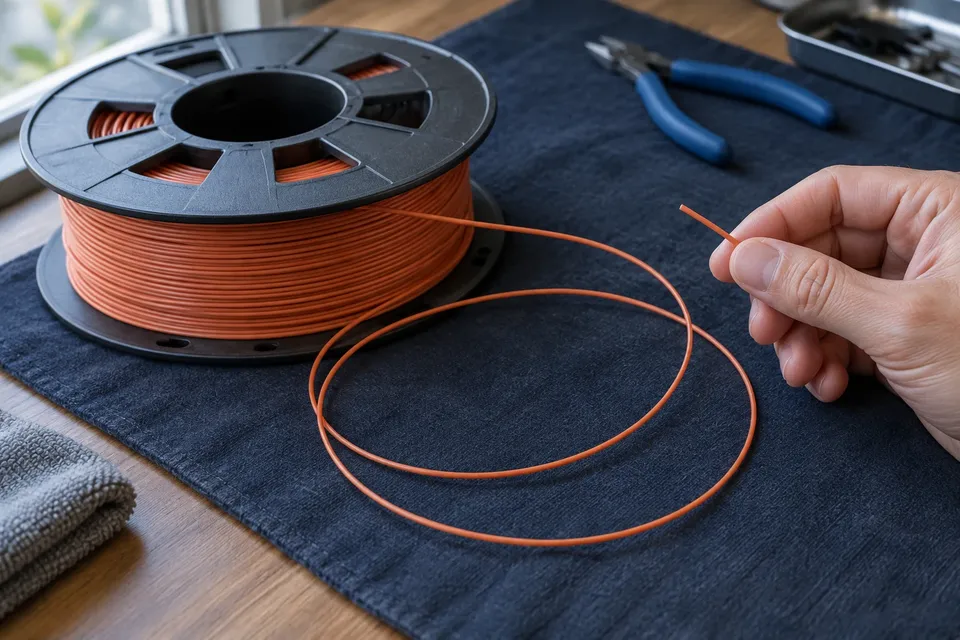
How to Untangle Filament Without Losing the Free End
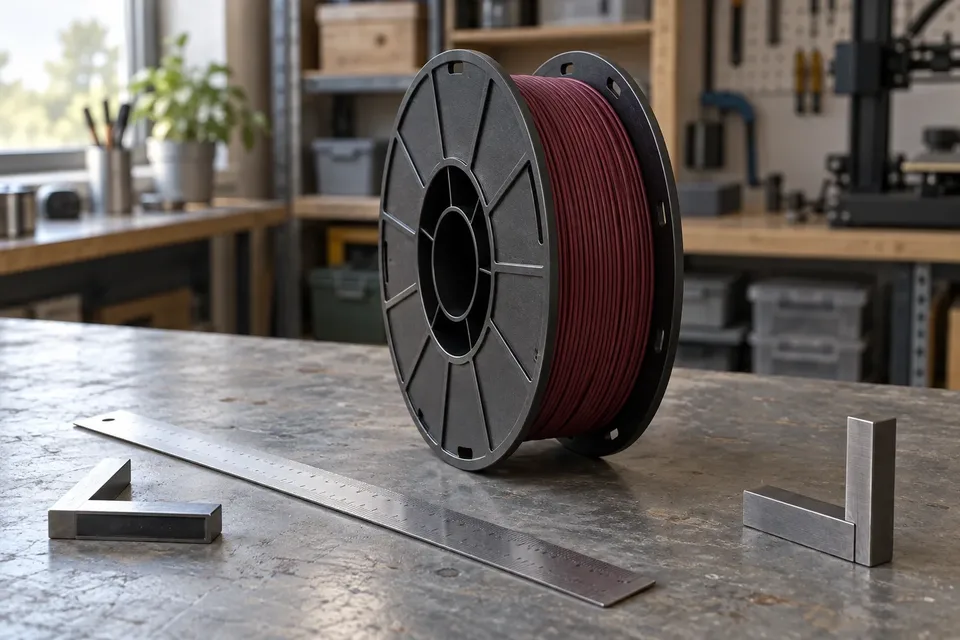
Find a filament crossover, loosen it with the free end under control, rewind loose turns and secure the tip before checking the feeding path.
Portland, Oregon
Evan focuses on the point where 3D printing stops being theory and starts becoming a machine on someone's desk. His job is to make setup, calibration, troubleshooting, and maintenance easier to understand without burying beginners in jargon.
Most of Evan's work starts with the problems new owners actually encounter: a first layer that will not stick, filament that stops feeding, a nozzle that begins under-extruding, or a printer that suddenly sounds different from yesterday.
Rather than jumping straight to replacement parts or advanced tuning, he works through the basic variables first: setup, cleanliness, temperatures, filament condition, calibration, and mechanical checks. The goal is to help readers understand what changed before they start changing everything at once.
Find a filament crossover, loosen it with the free end under control, rewind loose turns and secure the tip before checking the feeding path.
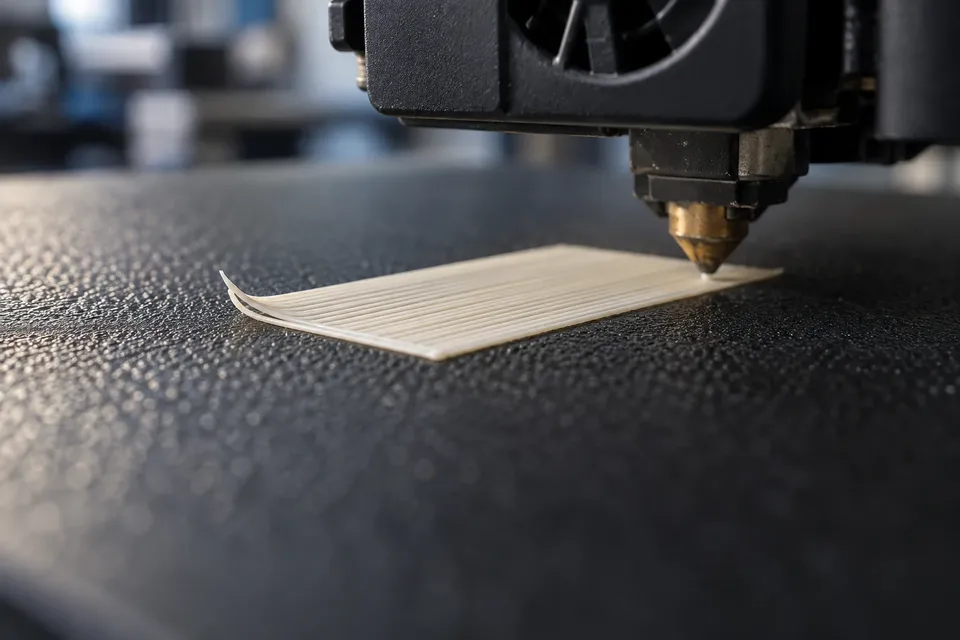
Diagnose PLA adhesion on PEI from first-layer lines, plate seating and failure location. Make one controlled adjustment before restarting a long print.
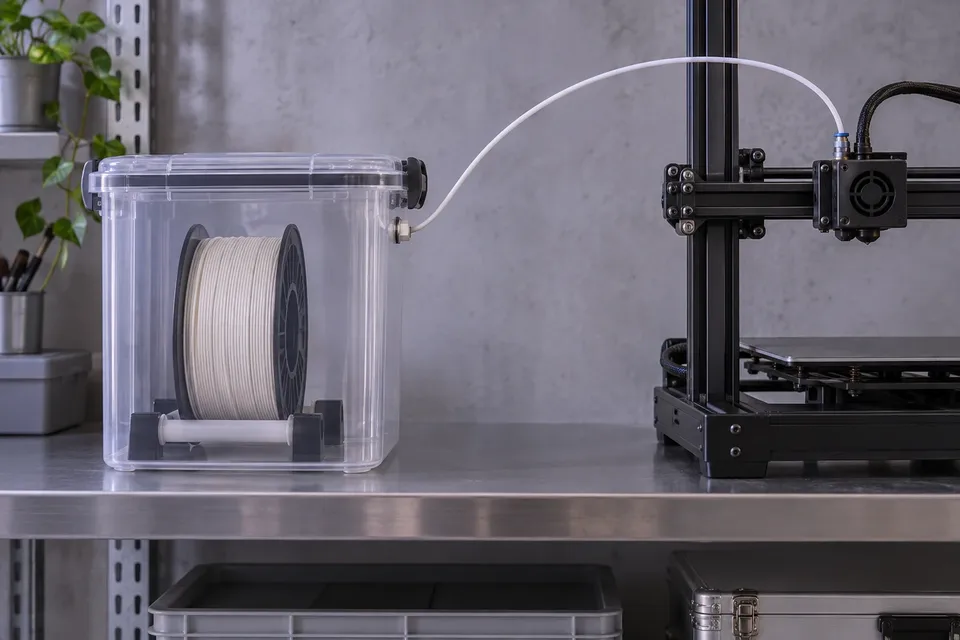
Set up a dry-box feed path, check spool rotation and PTFE routing, and isolate added resistance before changing your printer or slicer settings.
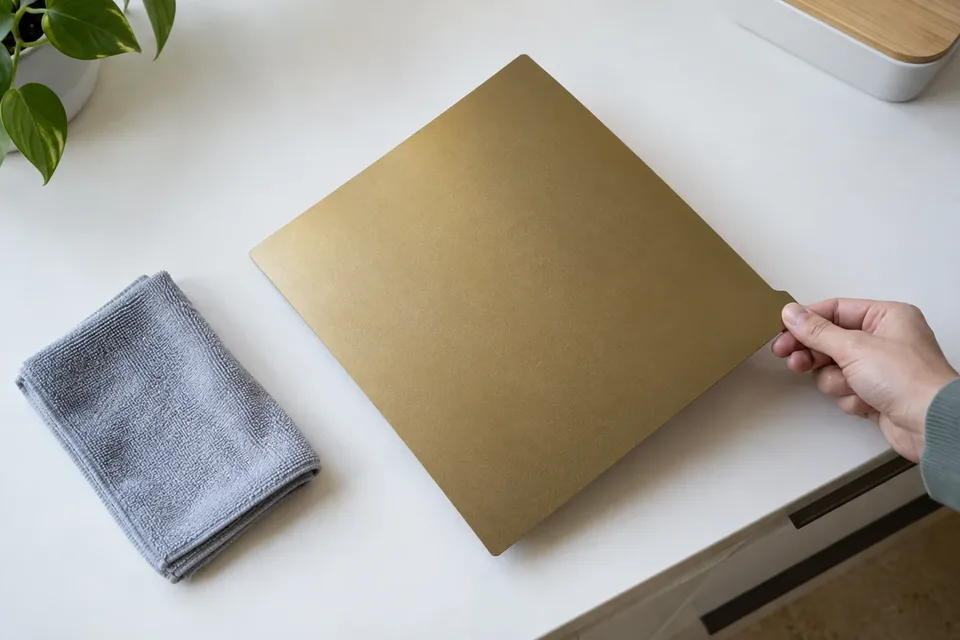
Clean a PEI build plate with a surface-specific routine, remove contamination without aggressive solvents, and separate cleaning problems from first-layer setup.
Measure a filament spool’s outside diameter and overall width, account for hubs and adapters, and compare your measurements with a dryer’s spool limits.