Brim vs Mouse Ears: Choosing Where a Print Needs Grip
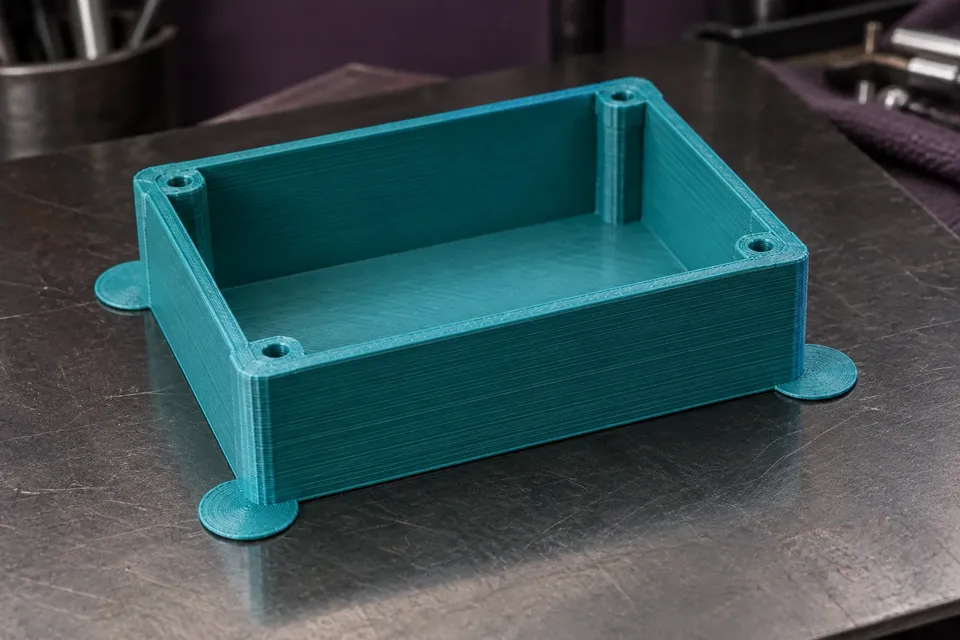
Compare a full brim with local mouse ears for lifting corners. Inspect OrcaSlicer previews, tune the contact gap and account for edge cleanup.

Seattle, Washington
Sophie focuses on what happens between the model file and the finished print. Her guides connect slicer settings with actual print behavior so readers know which parameter to change, why it matters, and when to leave a working profile alone.
Sophie's drafts pay attention to the small settings that often get blamed for much larger problems: first-layer height, flow ratio, pressure advance, retraction, cooling, wall order, support interface, bridge speed, and acceleration.
She avoids turning calibration into an endless ritual. A printer should be tuned enough to solve a visible problem or meet a clear goal. Once a profile is stable, the next step is usually printing something useful rather than running another twenty calibration models.
Compare a full brim with local mouse ears for lifting corners. Inspect OrcaSlicer previews, tune the contact gap and account for edge cleanup.
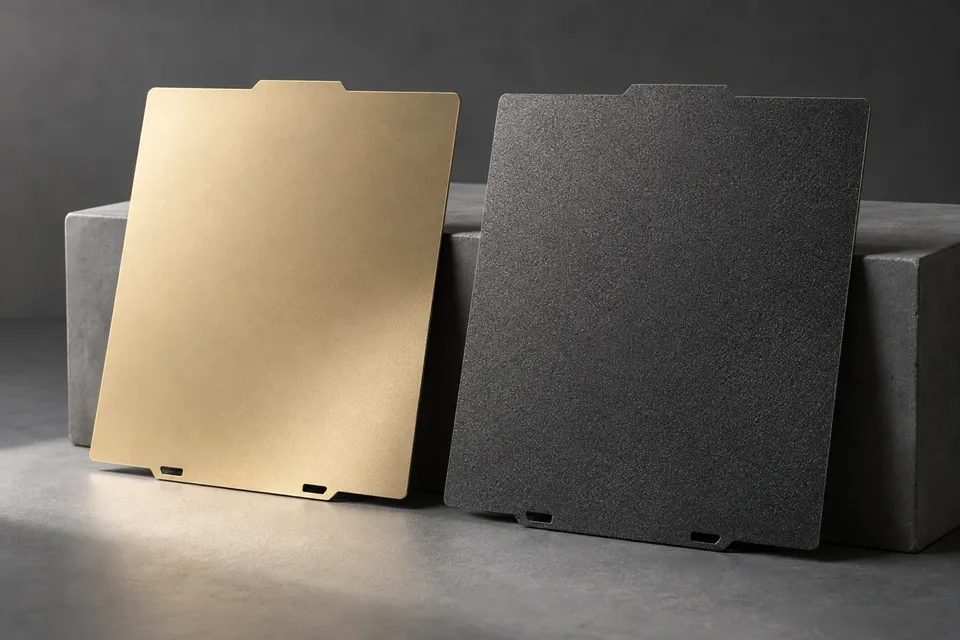
Choose smooth, textured or satin PEI around material compatibility, underside finish, part footprint and release, with checks for your printer and plate.